Introduction
Refilling your Pixl 6000 vape can be an excellent way to extend its lifespan, save money, and enjoy your favorite e-liquid flavors without replacing the entire device. In the UK, where vaping is both popular and regulated, knowing how to refill a Pixl 6000 vape safely and properly ensures that you get a consistent, flavorful experience. This guide provides a detailed, step-by-step process along with expert advice to help you do it right.
Understanding the Pixl 6000 Vape
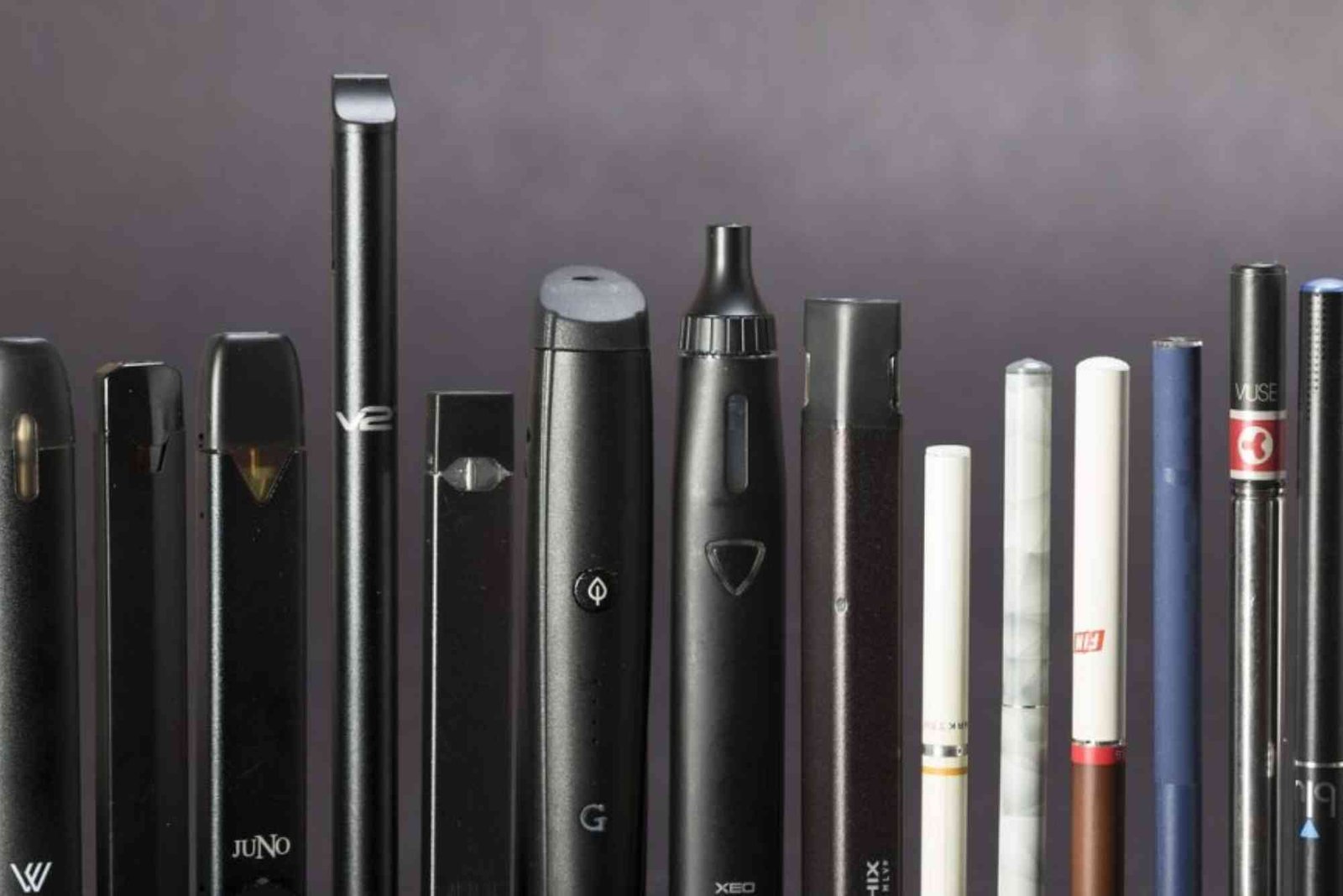
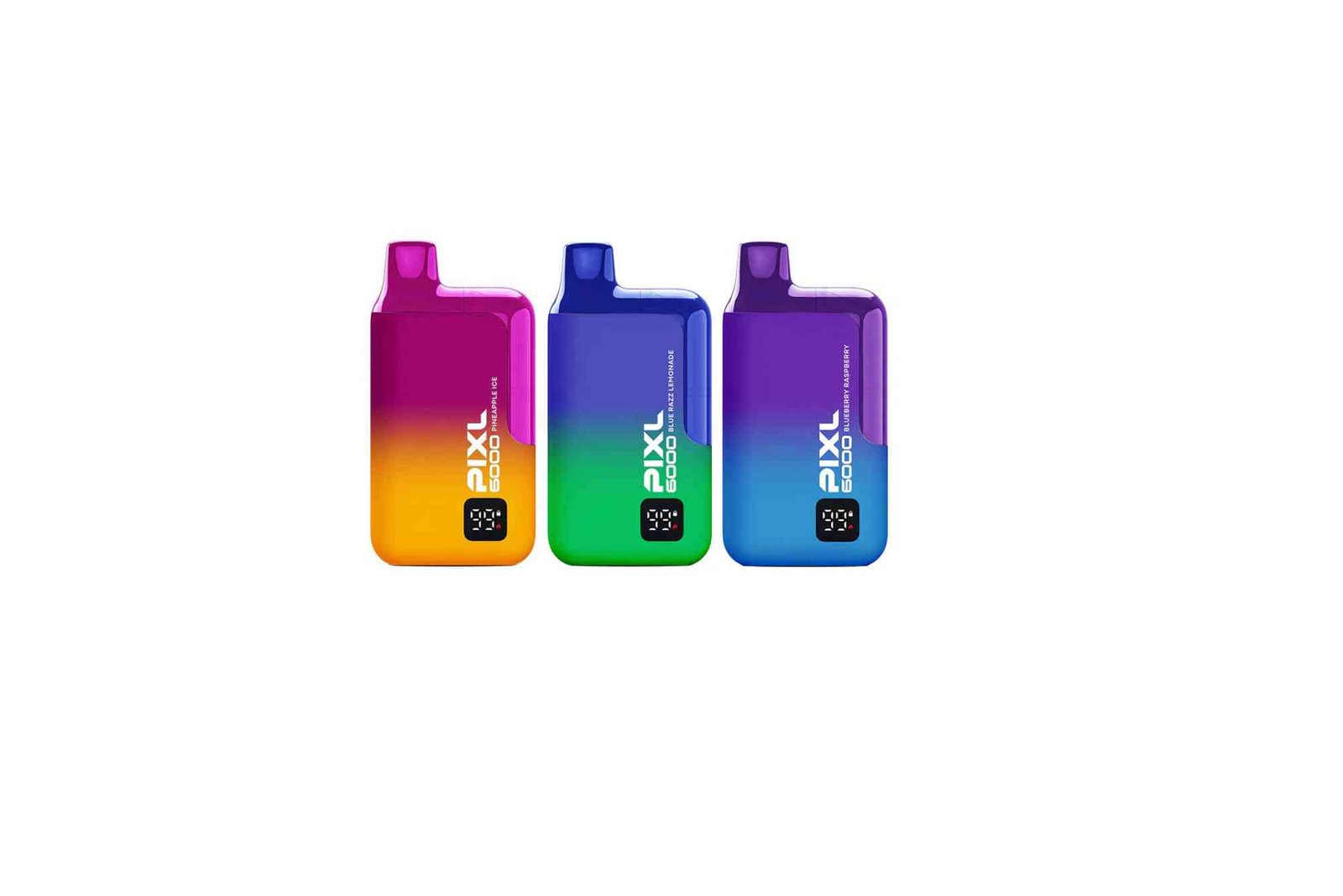
Before you begin, it’s important to understand what the Pixl 6000 vape is and how it works. The Pixl 6000 is a disposable-style vape designed for convenience, offering up to 6000 puffs per device. It features a rechargeable battery via USB-C and a prefilled e-liquid chamber.
Although marketed as disposable, many users in the UK have found ways to refill Pixl 6000 vapes safely for extended use. However, it’s essential to note that refilling is unofficial and should be done carefully to avoid leaks or device damage.
Why Refill a Pixl 6000 Vape?
Refilling a Pixl 6000 vape comes with several benefits, especially for experienced vapers:
It’s cost-effective since you reuse the same device instead of buying a new one.
You can switch to your preferred e-liquid flavor or nicotine strength.
It’s environmentally friendly, reducing waste from disposables.
However, the process requires attention to detail to ensure you don’t overfill or damage the pod.
How to Refill Pixl 6000 Vape UK Step by Step
Gather Your Materials
To start, you’ll need the following:
A Pixl 6000 vape
A small flat tool (like a thin screwdriver)
A bottle of e-liquid (preferably 50/50 VG/PG)
Paper towels or tissues
A pair of gloves (optional but recommended)

Choose a nicotine salt or freebase e-liquid depending on your preference. For a smooth throat hit similar to the original device, nicotine salts work best.
Prepare Your Workspace
Find a clean, flat surface with good lighting. Make sure to keep tissues nearby in case of spills. Wash your hands before handling the vape to avoid contamination.
Remove the Mouthpiece
Hold your Pixl 6000 firmly and gently pry off the top mouthpiece using your flat tool. Apply gentle pressure; don’t twist or force it too much as the plastic can crack. Once removed, you’ll see small rubber seals and the cotton-filled chamber below.
Locate the Fill Ports
Underneath the mouthpiece, there are usually two small holes. One is the airflow hole (do not fill this), and the other is the fill port for the e-liquid. Identify the correct one — typically, it’s on the side or marked slightly wider.
Add E-Liquid Slowly
Take your e-liquid bottle and insert the tip carefully into the fill port. Squeeze gently to fill until the cotton is saturated but not flooded. Overfilling can cause leaking or gurgling sounds during use.
Fill the chamber about 80% full — this leaves room for air and prevents overflow.
Reseal and Reassemble
Once filled, replace the rubber seal (if present) and carefully snap the mouthpiece back into place. Make sure it’s secure and airtight. Wipe away any excess e-liquid with tissue.
Prime the Vape
Before using, let the vape sit upright for about 5–10 minutes. This allows the cotton to fully absorb the liquid, preventing dry hits or burnt taste.
Test the Device
After priming, take a few gentle puffs to check vapor production. If it feels weak, give it a few more minutes to soak. If it gurgles, gently blow into the mouthpiece to clear excess liquid.
Your Pixl 6000 vape refill process is complete. You can now enjoy your device with your chosen e-liquid flavor.
Important Tips for Safe Refilling
While refilling is possible, it’s crucial to handle the process with care. Here are expert tips:
Use compatible e-liquids — avoid very thick (high VG) juices as they can clog the coil.
Don’t refill more than two to three times; the coil eventually burns out.
Avoid refilling if the flavor is burnt or muted — that means the coil is finished.
Store your vape upright when not in use to prevent leaks.
Always recharge the battery with a proper USB-C cable to maintain performance.
Common Mistakes to Avoid
Many users damage their devices due to small but avoidable errors. The most common include overfilling, using high-VG e-liquid, or prying off the mouthpiece too forcefully. Always take your time and handle each step gently.
If you notice leaking or reduced vapor, check that the seals are properly placed and that you haven’t added too much e-liquid.
How Long Can a Refilled Pixl 6000 Last?
Once refilled, the Pixl 6000 can typically last for another 3–7 days depending on usage. However, the coil inside has a limited lifespan. When vapor production drops significantly or the flavor turns burnt, it’s time to replace the device.
E-Liquid Recommendations for Pixl 6000 Vape
For the best results when refilling a Pixl 6000 vape in the UK, choose nicotine salt e-liquids with 50/50 VG/PG ratio. These are ideal for low-wattage coils found in disposable vapes.
Popular UK e-liquid brands compatible with Pixl 6000 include:
Elfliq Nic Salts (by Elf Bar)
IVG Nic Salts
Bar Juice 5000
Riot Squad Bar Edition
Doozy Vape Co.
Choose flavours that you enjoy, such as fruit blends, menthol, or dessert profiles.
Is It Legal to Refill Pixl 6000 Vape in the UK?
Yes, it’s legal to refill your own vape in the UK as long as the e-liquid you use complies with TPD regulations. The Tobacco and Related Products Regulations (TRPR) allow users to refill disposable-style devices for personal use. However, the manufacturer warranty may become void once the device is opened.
Troubleshooting After Refilling
Sometimes after refilling, users face minor issues. Here’s how to fix them:
Weak vapor: Wait longer for wicking or add a few drops directly to the cotton.
Leaking: Ensure seals are tight and avoid overfilling.
Burnt taste: Coil may be worn out — replace the device.
Gurgling: Blow gently through the mouthpiece to clear excess liquid.
Expert Insight on Refilling Disposable Vapes
Refilling disposable vapes like the Pixl 6000 requires precision. UK vape experts suggest that users treat the process as a short-term solution, not a permanent one. While it’s sustainable and economical, these devices were not designed for repeated refilling.
That said, many UK vapers enjoy experimenting with their Pixl 6000s to find the perfect balance of performance and flavour. Always prioritize safety and quality when handling e-liquids.
FAQs
How do you refill a Pixl 6000 vape in the UK?
To refill, remove the mouthpiece, locate the fill port, and add e-liquid slowly until the chamber is nearly full. Reseal and wait a few minutes before vaping.
Can I refill Pixl 6000 with any e-liquid?
No, only use 50/50 VG/PG nicotine salt e-liquids to maintain coil longevity and avoid clogging.
How many times can I refill my Pixl 6000?
You can usually refill it up to two or three times before the coil burns out.
Why is my Pixl 6000 leaking after refill?
This happens if you overfill or don’t seal it properly. Always fill 80% and check for tight seals.
Is it safe to refill disposable vapes?
Yes, but only if done carefully. Avoid damaging the coil or seals, and use high-quality e-liquids.